
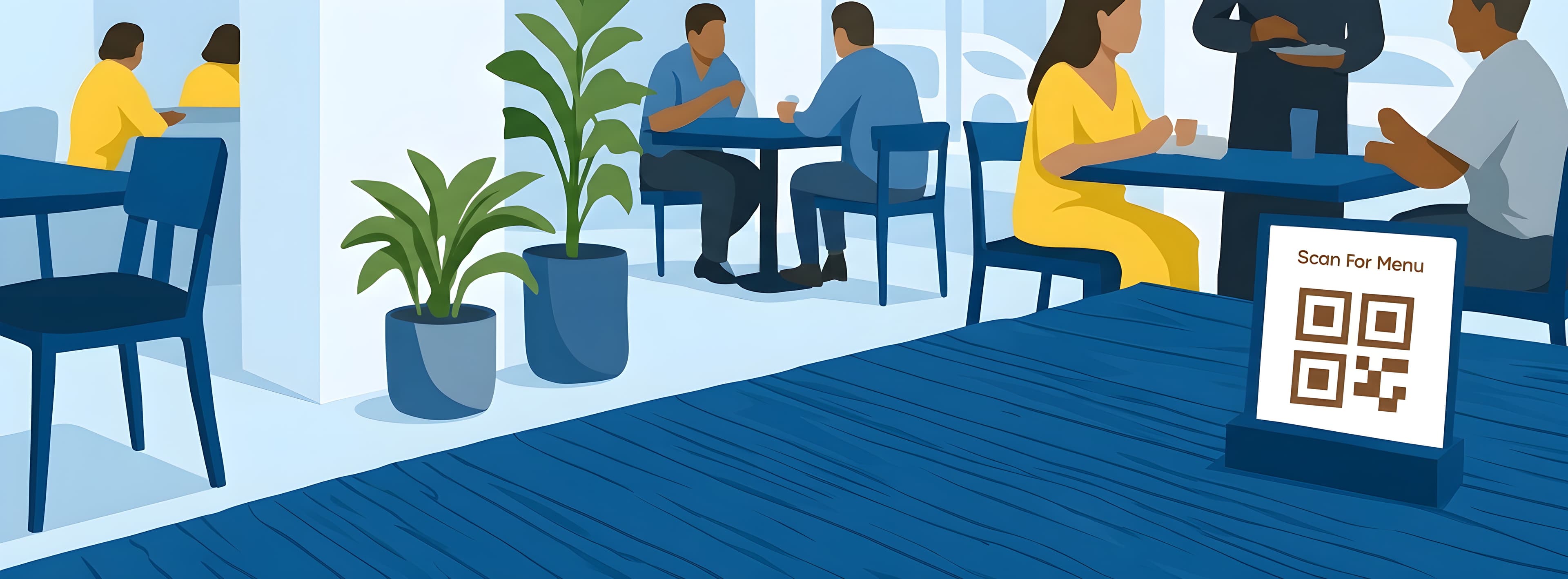
Your Menu Shouldn't Be a Problem
Traditional menus come with problems that cost you time, money, and first impressions.
Constant reprinting
Print new menus whenever prices change.
Wasted replacement costs
Spend money replacing damaged or outdated menus.
Too many pages
Keep multiple pages of food and drink lists.
Hard to browse
Customers struggle to find what they want.
Staff interruptions
Staff have to explain what's available or unavailable.
Looks outdated
Your menu doesn't represent your modern business.
There's a simpler way.
One QR Code. Your Entire Menu.
They browse your food, drinks, prices, photos, and categories — without downloading an app.
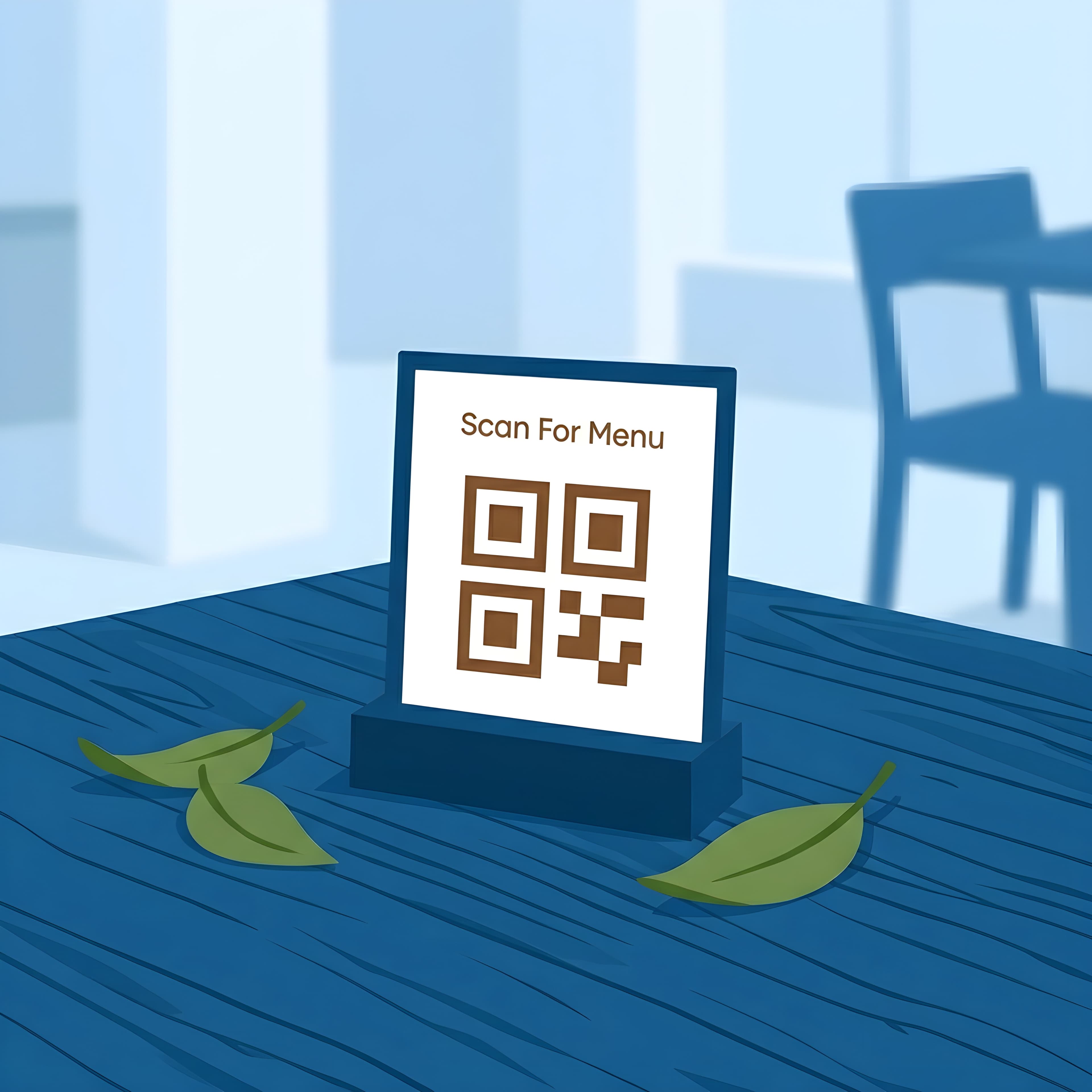
Step 1
Place a QR code on every table
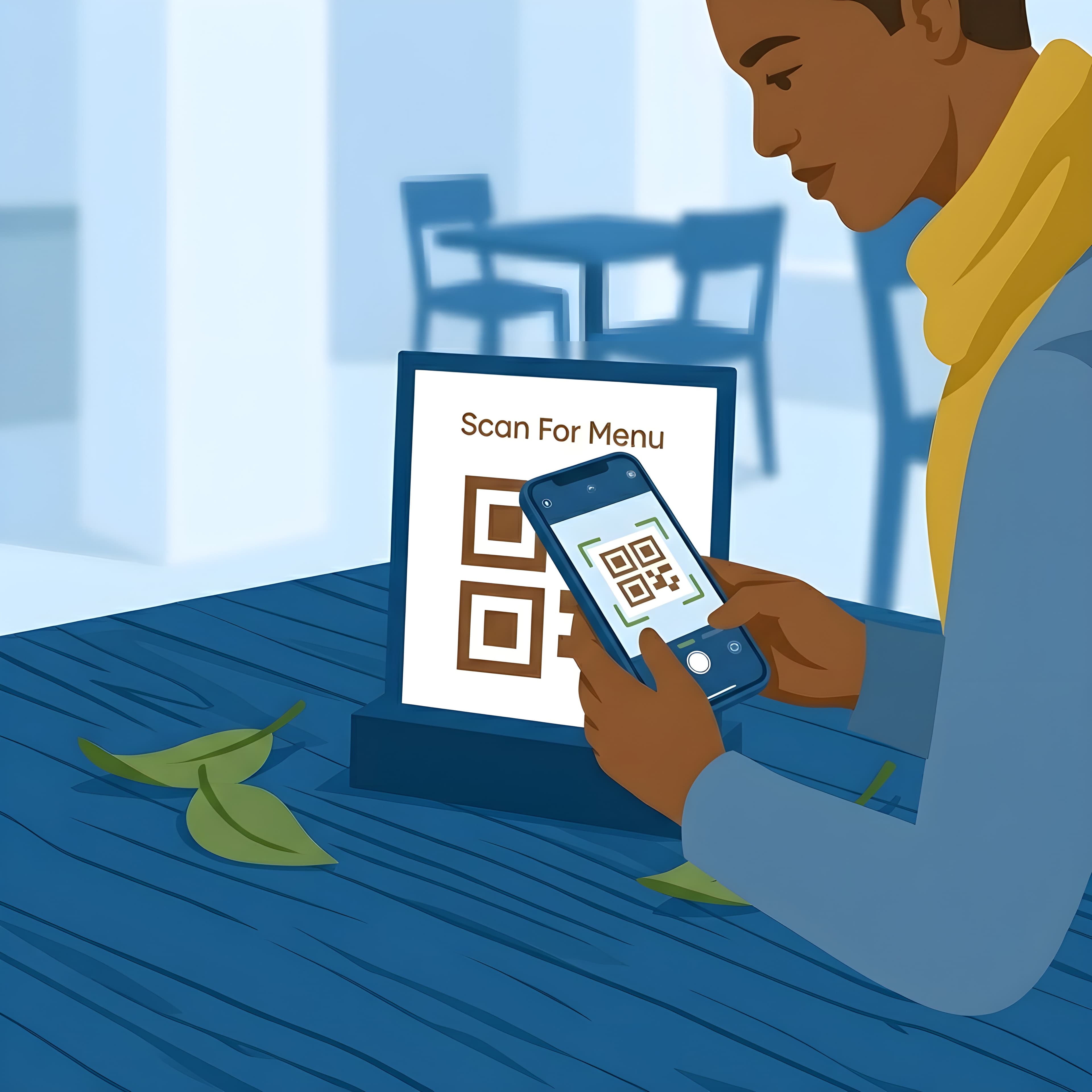
Step 2
Your customer scans it
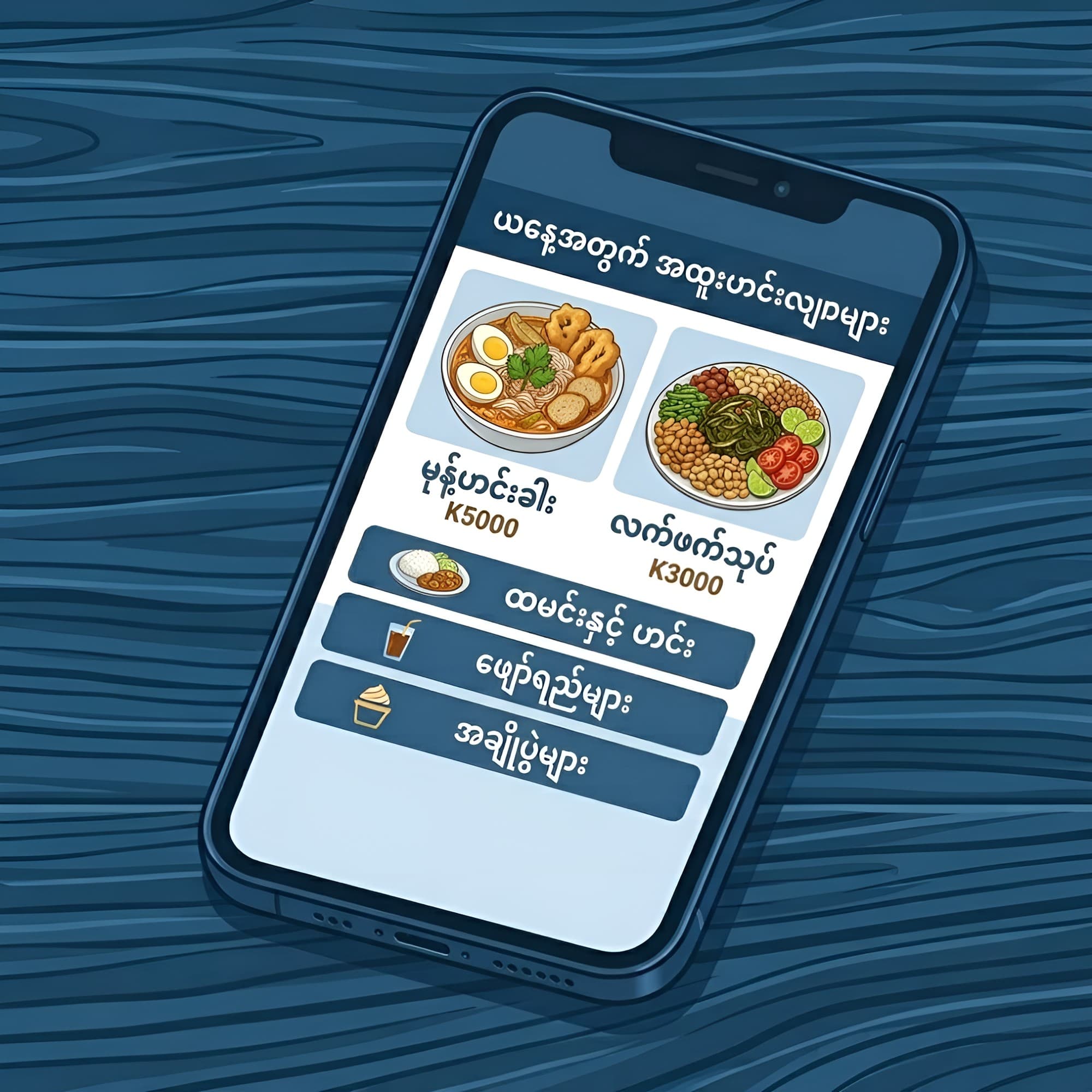
Step 3
Your menu opens instantly
ScanBrowseOrder
Simple for your customers. Simple for your staff. Simple for you.
Update Your Menu Without Reprinting Anything
Change anything in seconds — your printed QR stays the same.
Changed a price?
Update it online.
New dish?
Add it instantly.
Sold out?
Hide it temporarily.
Seasonal promotion?
Add it whenever you want.
Your customers always see the latest version of your menu.
Built for Myanmar Businesses
From a free trial to multi-branch chains — plans that fit how local restaurants, cafés, tea shops, bars, hotels, and food businesses grow.
Start free
Try Digital Menu with a QR code, HD food photos, and up to 10 items — no payment required.
Grow your brand
Growing Business unlocks up to 100 items, premium themes, featured dishes, social links, and removable branding.
Run multiple branches
Multi-Branch gives each location its own menu and QR — managed from one dashboard, with analytics and priority support.
Made for Myanmar
Mobile-first menus, Burmese & English, and MMK pricing — customers just scan. No app download.
From Printed Menu to Digital Menu
Before
- Pay
- Distribute
- Replace
- Repeat
With Padauk QR Menu
- Create
- Print QR once
- Update anytime
- Save money
- Always up to date
Your Customers Are Already Using Their Phones
So why give them a menu from the past?
Give them a menu that feels like your business belongs in 2026.
Perfect For
Restaurants
Show your complete menu with beautiful food images.
Cafés
Highlight drinks, desserts, and seasonal specials.
Tea Shops
Organize large menus into easy-to-browse categories.
Hotels
Give guests instant access to food, drinks, and services.
Bars
Update drinks, promotions, and prices without reprinting.
Food Businesses
Give customers a fast and convenient way to explore your products.
Start Your Digital Menu Today
Setup takes minutes, not days.
Step 1
Build your menu
Add your restaurant name, categories, and dishes — preview live as you go.
Step 2
Generate your QR
Create an account when you are ready, pick a plan, and get your QR code.
Step 3
Download and print
Save your QR code and print it for tables, stickers, or counters.
Step 4
Put it on your tables
Customers scan it and your menu opens instantly.
No Technical Skills Required
- You don't need a developer.
- You don't need a website.
- You don't need to understand QR codes.
If you can use Facebook, you can manage your digital menu.
Choose a Plan That Fits Your Business
Frequently Asked Questions
Do customers need an app?
No. They simply scan the QR code using their phone camera and the menu opens in their browser.
Can I change my menu after creating it?
Yes. Update prices, dishes, photos, descriptions, and availability whenever you want.
Do I need a website?
No. Your QR menu comes with its own digital menu page.
Do I need technical knowledge?
No. The dashboard is designed to be simple enough for everyday business owners.
Can I use Burmese?
Yes. Your menu can support Burmese and English, making it suitable for local businesses.
What happens if a dish is sold out?
You can mark it unavailable so customers know before ordering.